

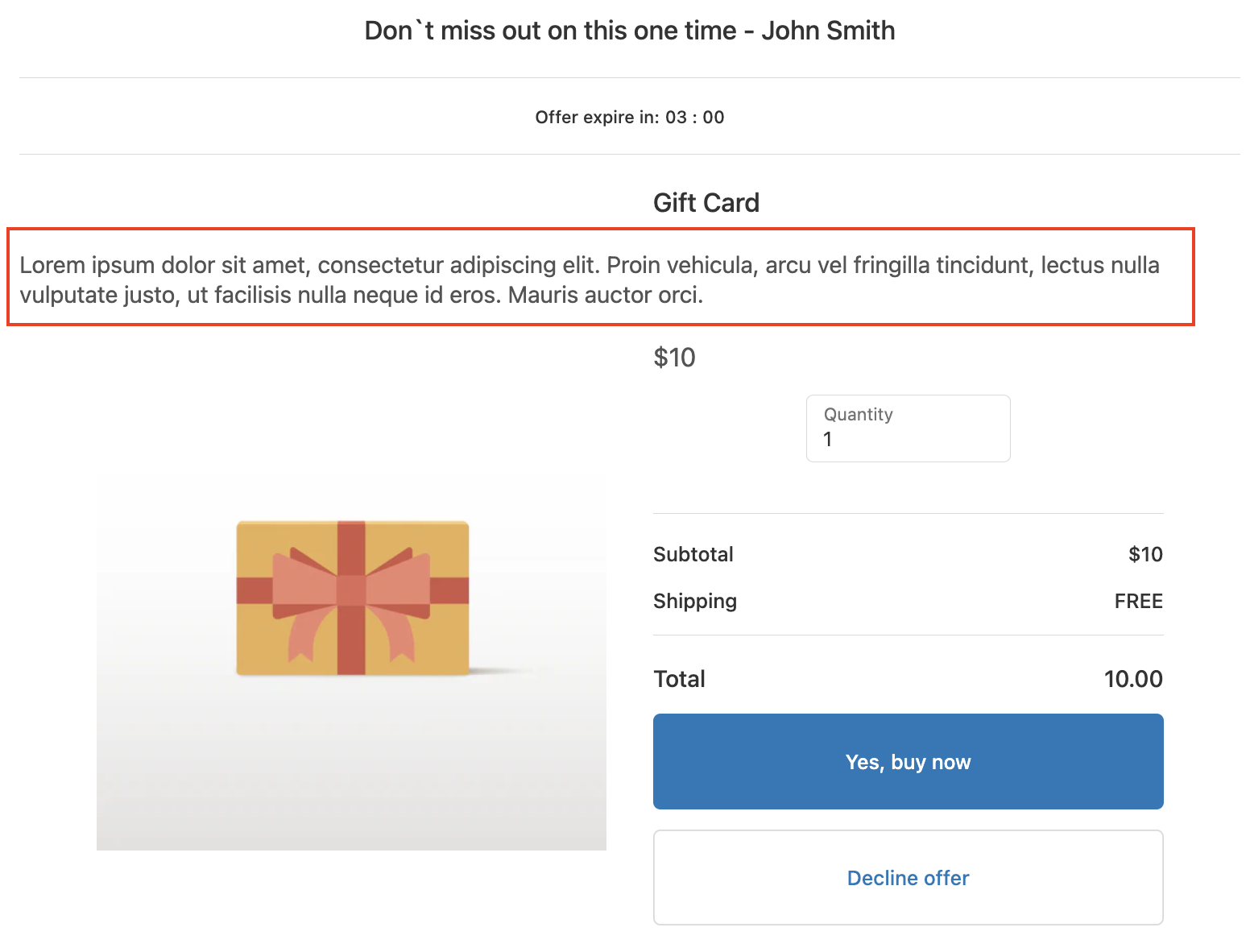
SmartFlow allows you to display a product description in your offer, along with some customizations. Here's how:
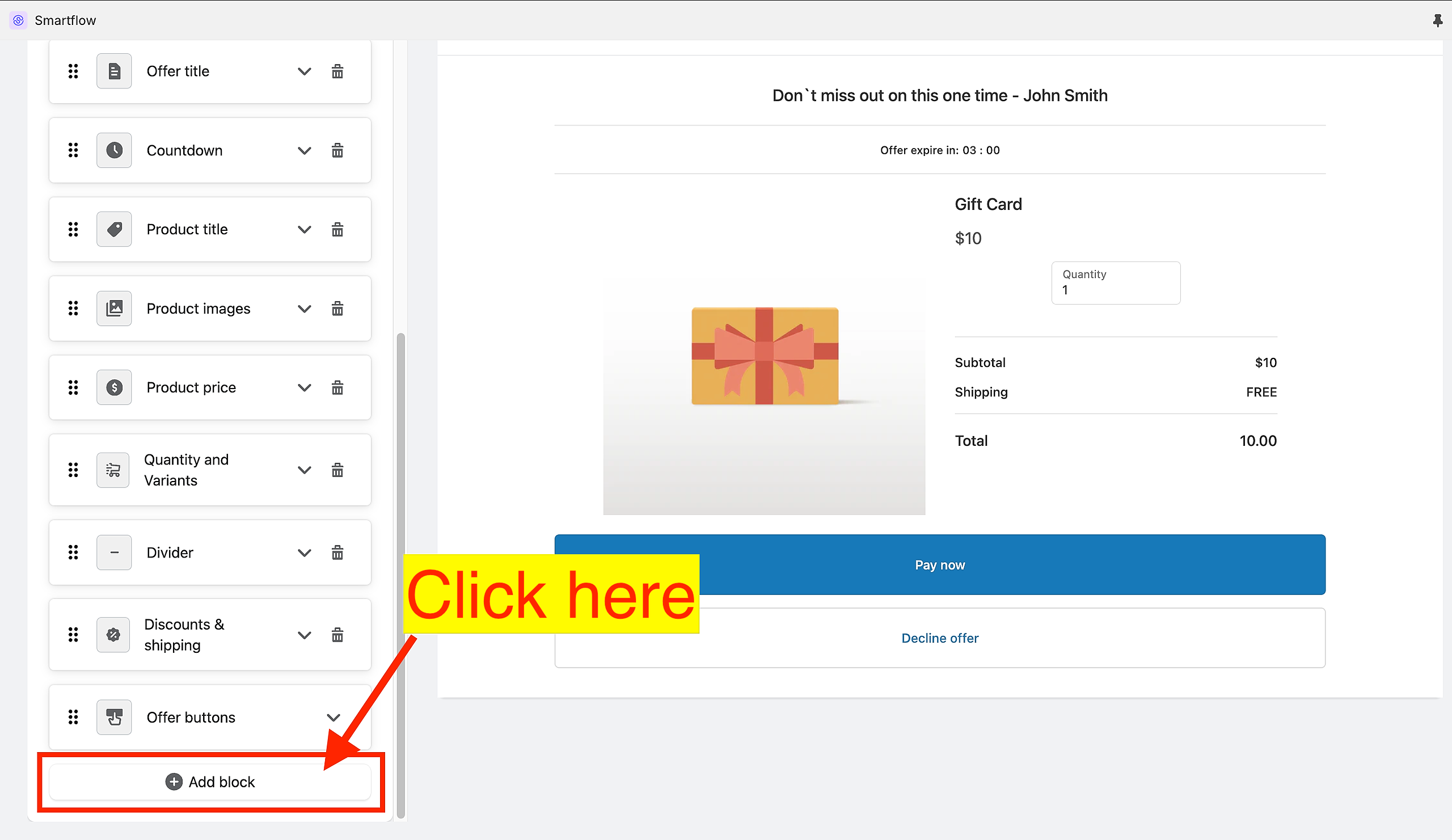
In the Offer Editor, scroll down until you find the "Add block" button.
Choose "Product description".
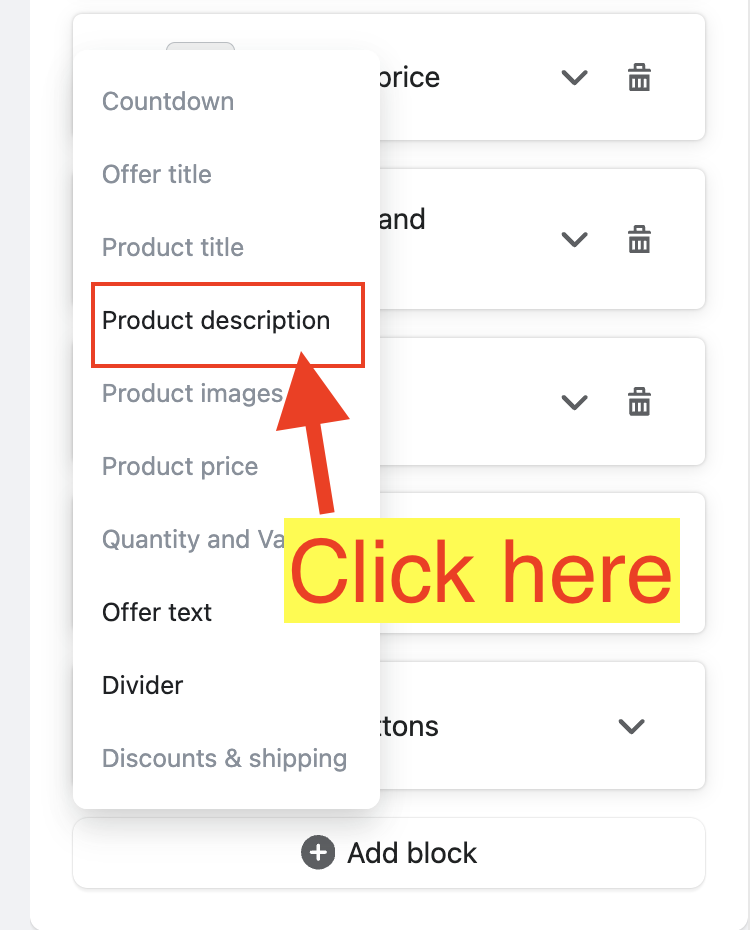
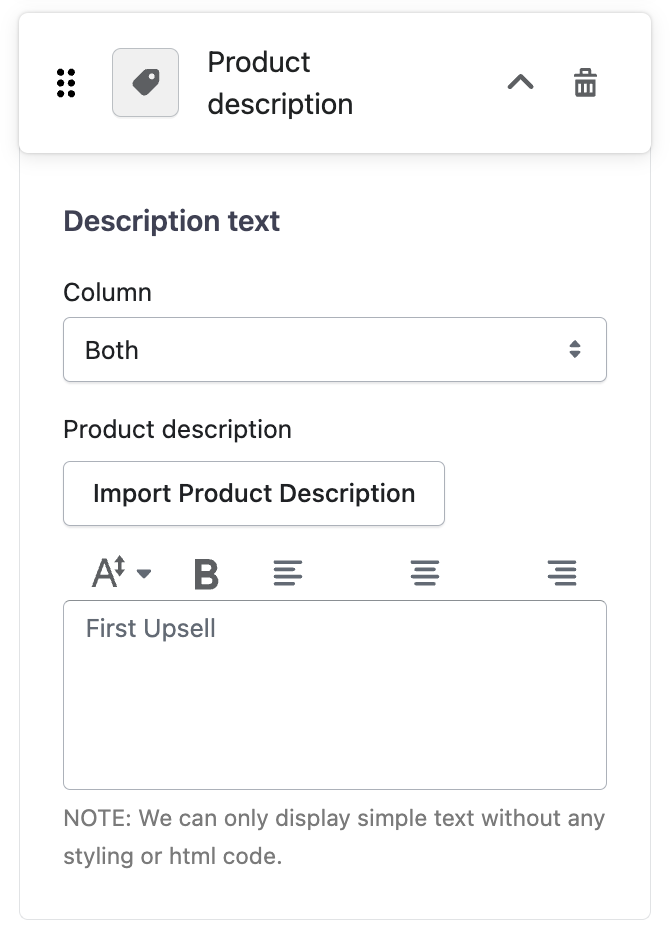
Once, added you have the following customization options:
"Column" dropdown
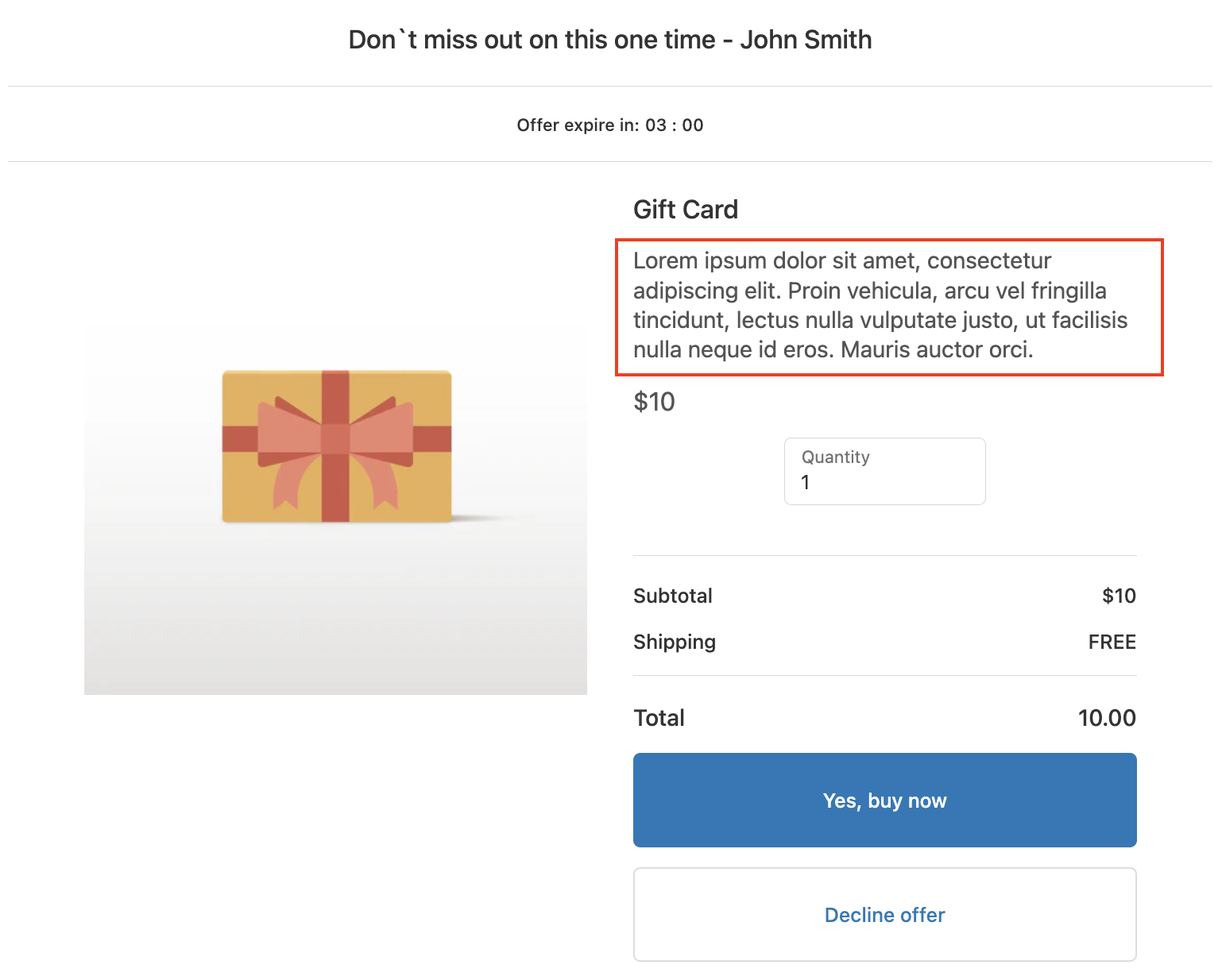
Right - places the product description texts at the right side of the offer.
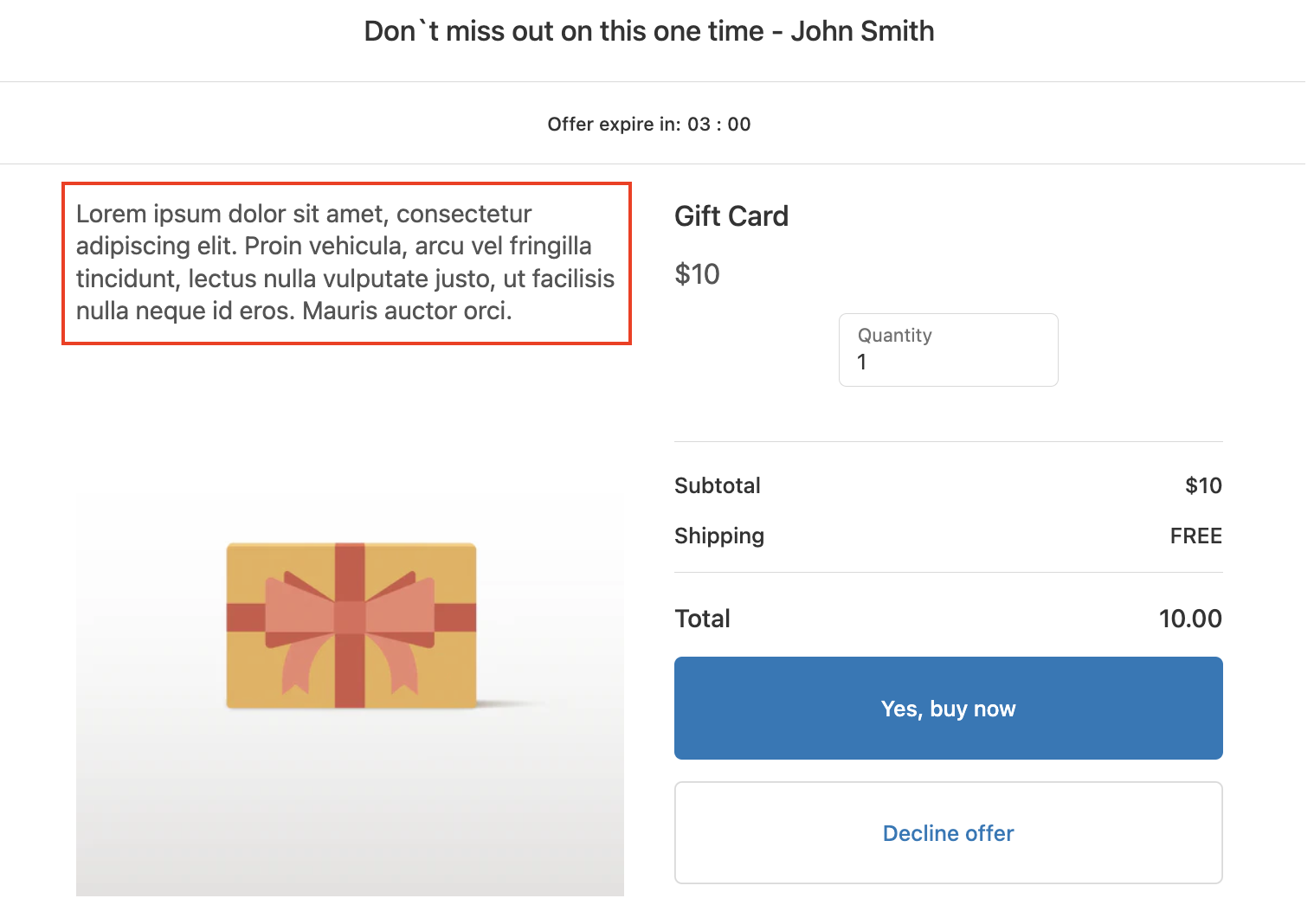
Left - places the product description texts at the left side of the offer.
Both - places the product description texts at the center of the offer.
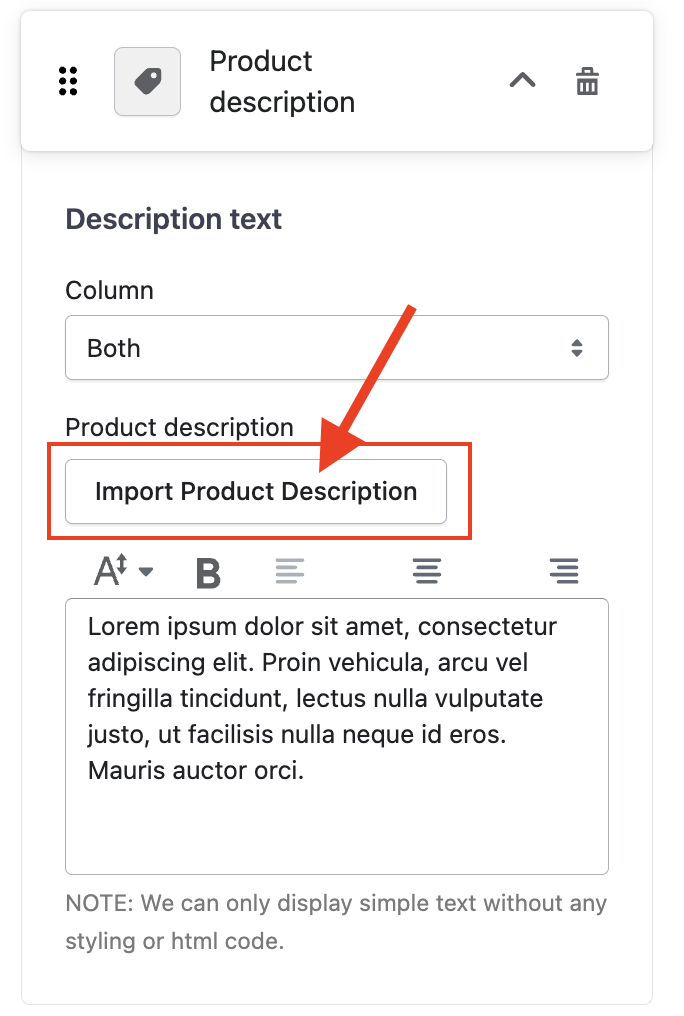
The "Import Product Description" - allows you to import the product description from Shopify.
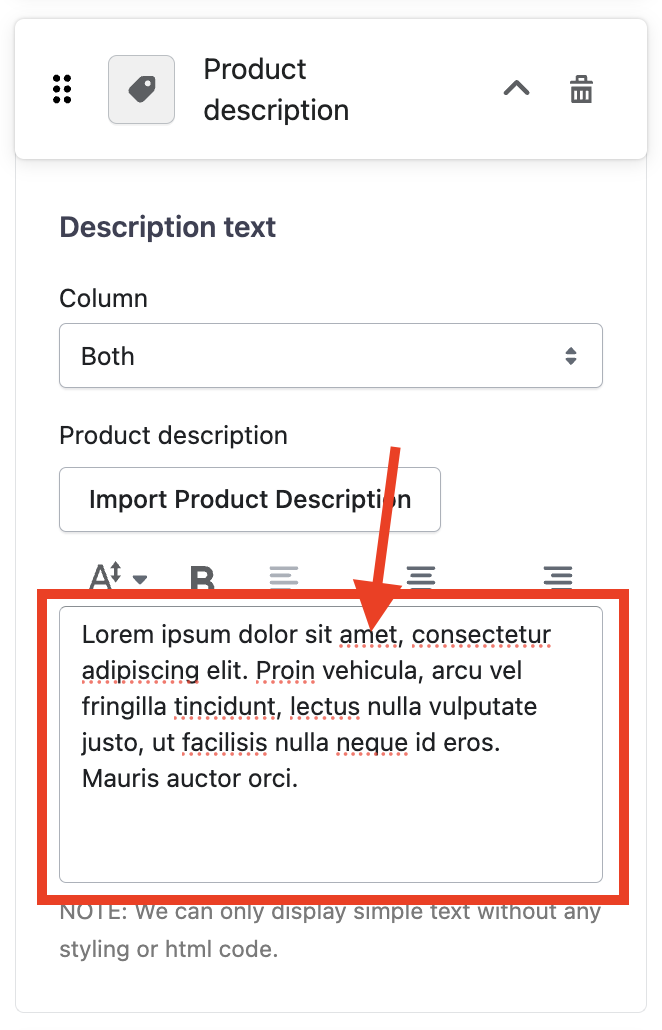
If you wish to customize the product description, you can edit the text in the text box. However, only plain text is allowed due to Shopify's post-purchase page limitations.
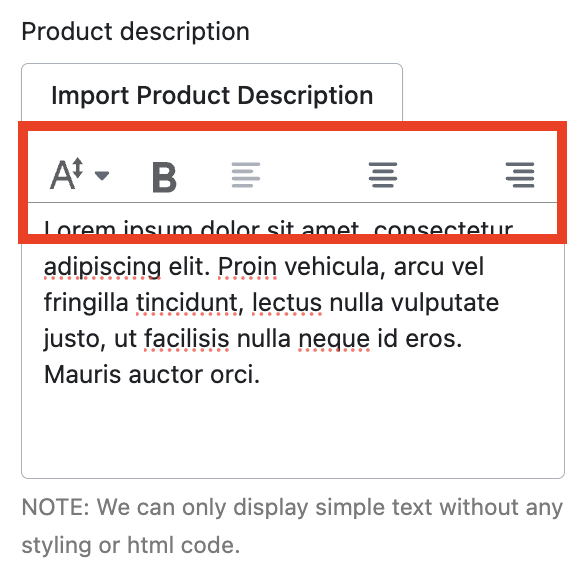
There are also options to adjust the font size, make the text bold, and align it to the left, center, or right.
Keywords:
How can I customize the product description in SmartFlow's Offer Editor?
What alignment and formatting options are available for the product description in SmartFlow's Offer Editor?
How can I edit the "Product Description" in the Offer Editor?