

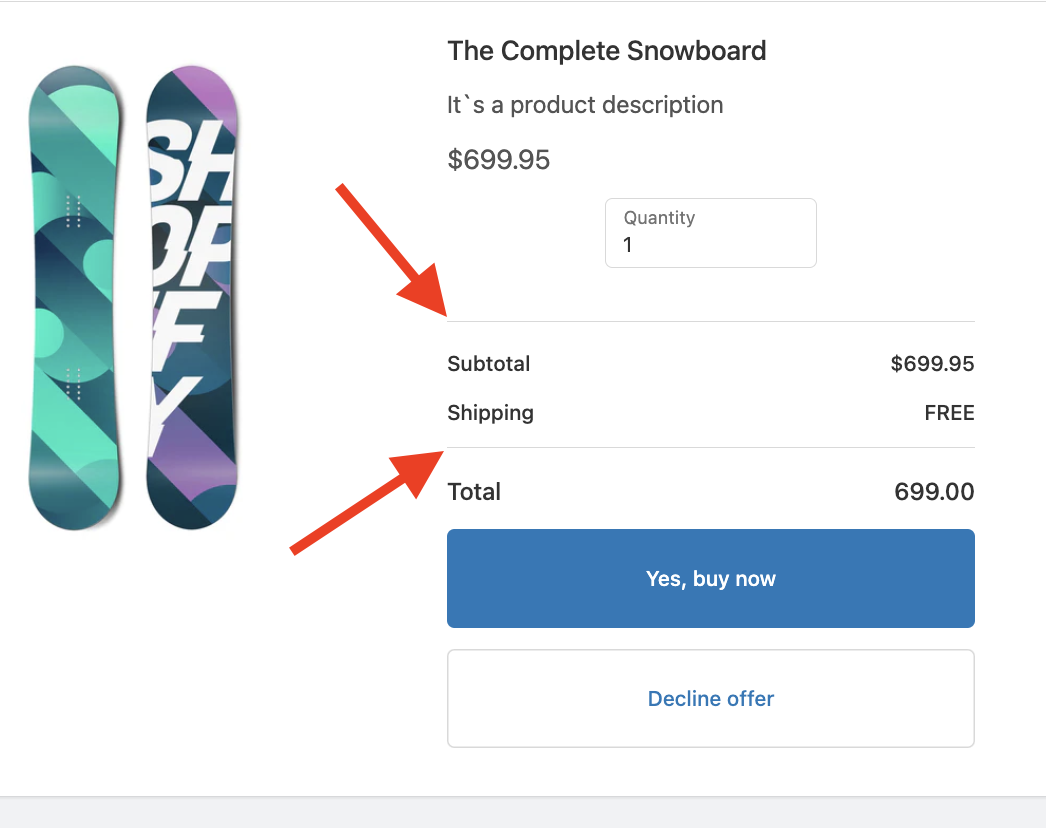
A Divider is used to add lines to separate sections in the offer.
Here's a guide on how you can fully utilize this feature:
Adding a Divider:
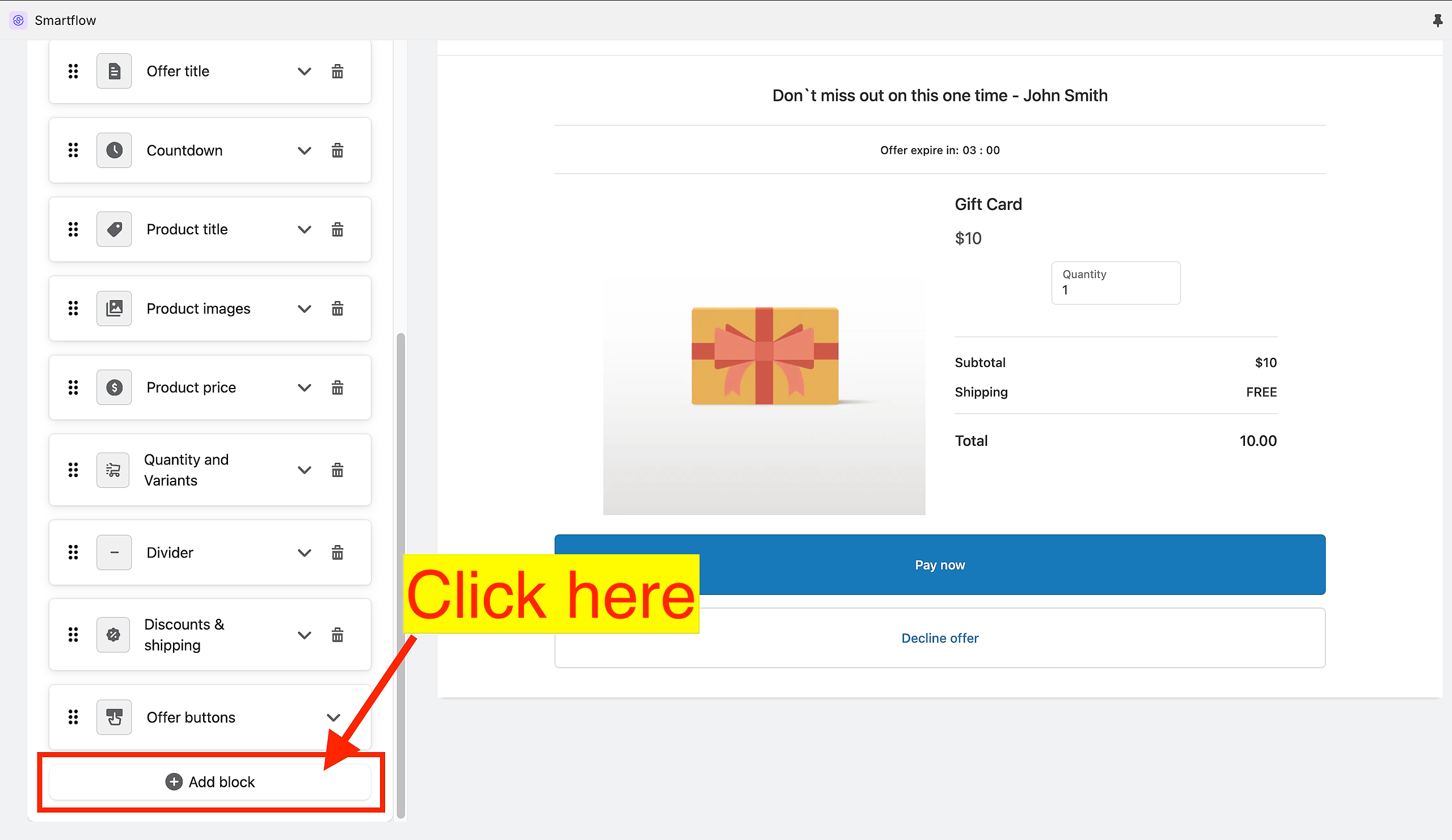
While in the Offer Editor, scroll down until you find the "Add block" button.
Choose "Divider".
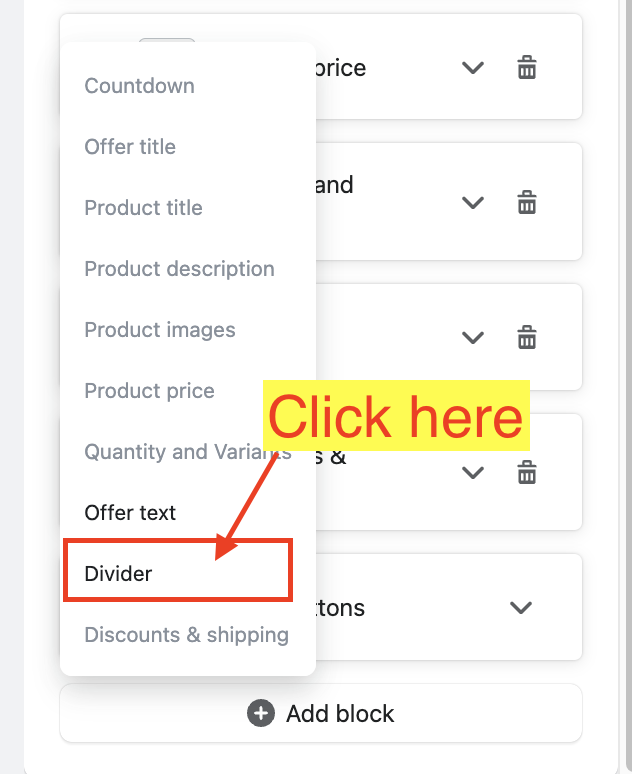
You can add as many Dividers as you wish.
Customizing a Divider:
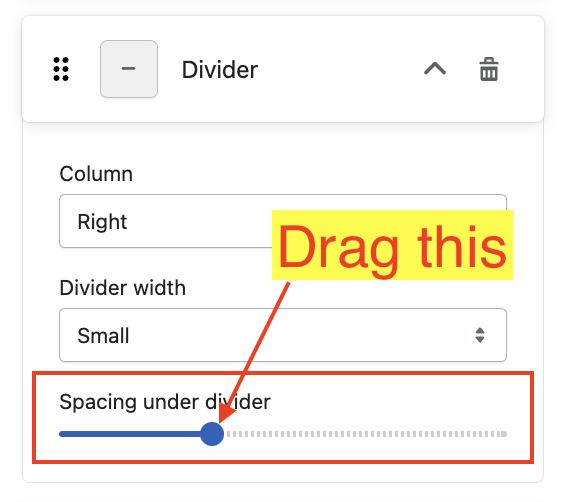
Expand the Divider Settings card.
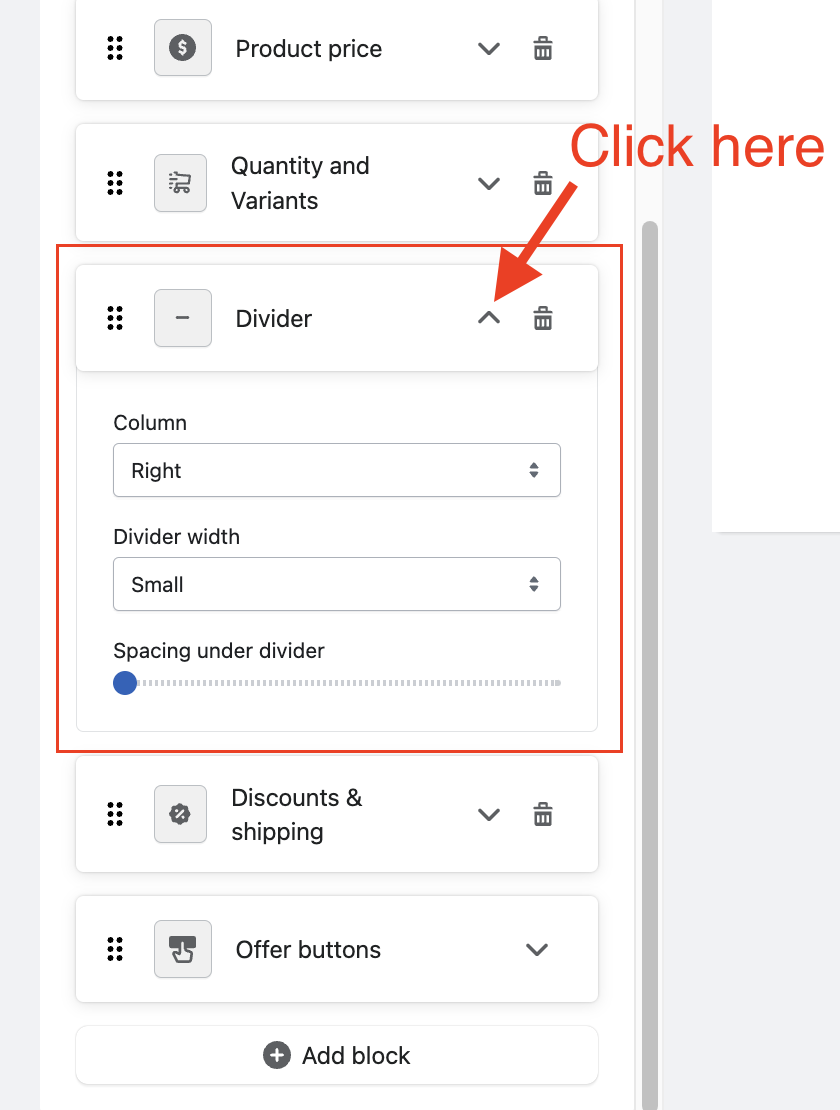
"Column" dropdown.
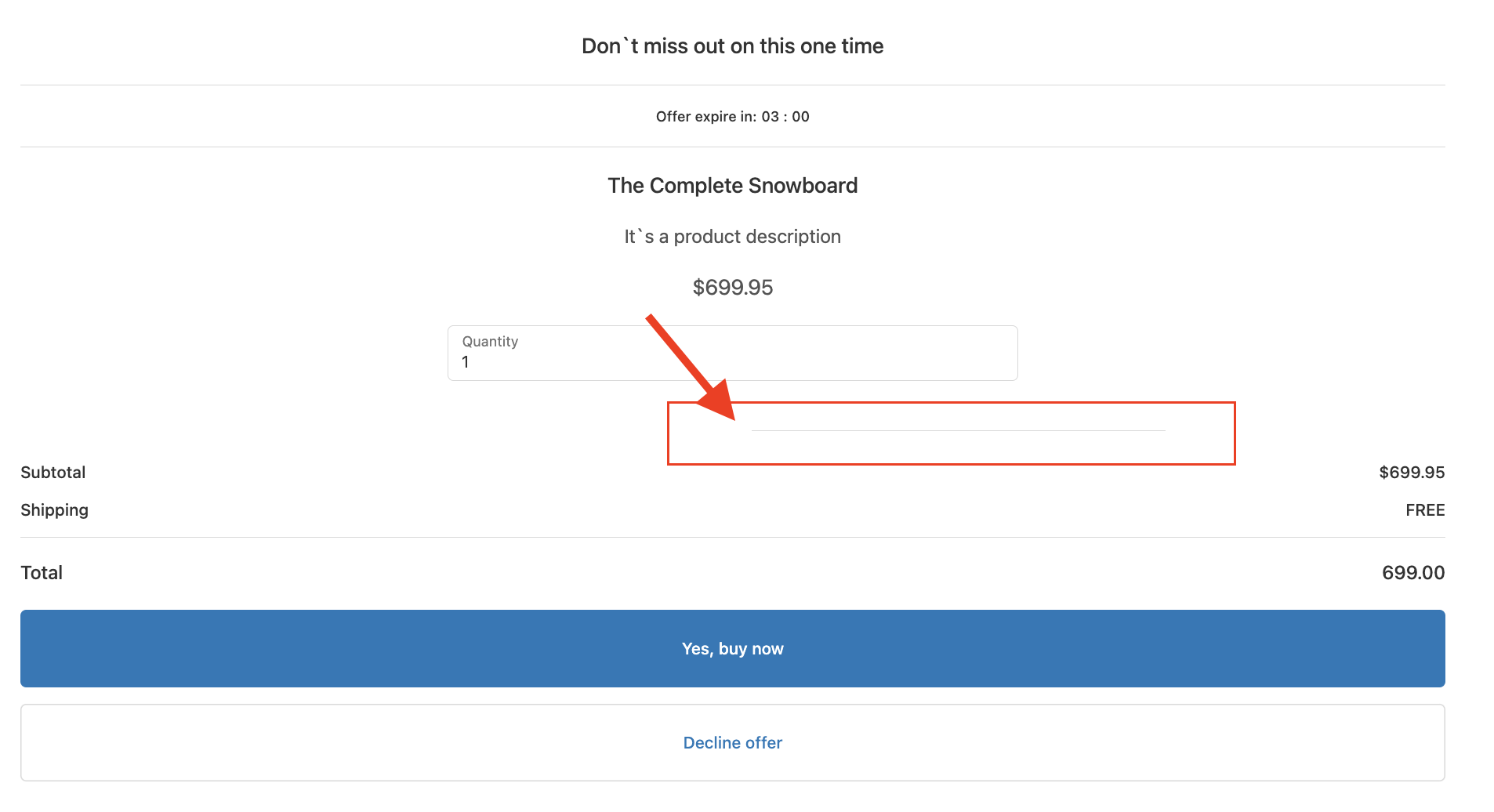
Right - places the divider at the right side of the offer.
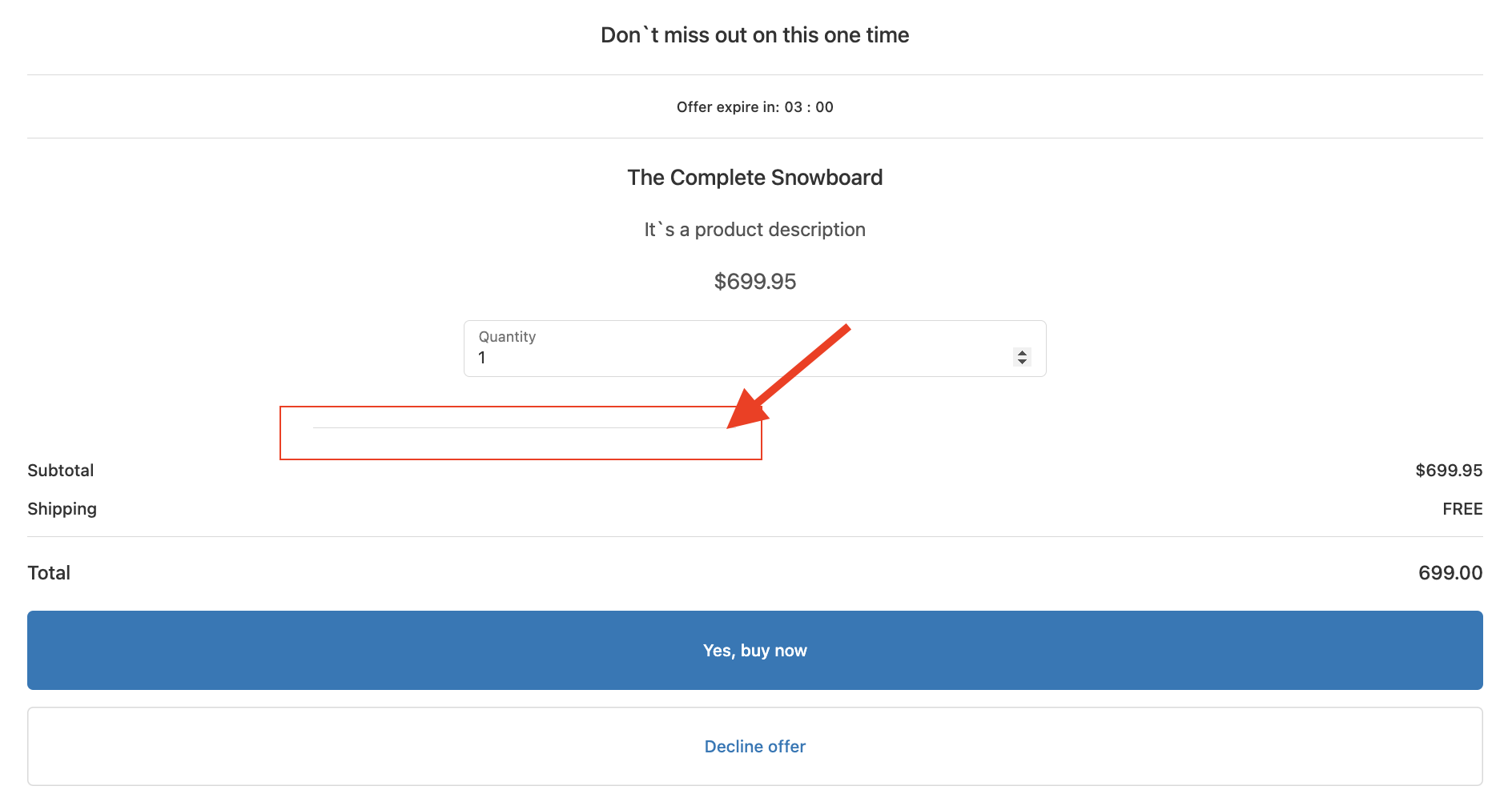
Left - places the divider at the left side of the offer.
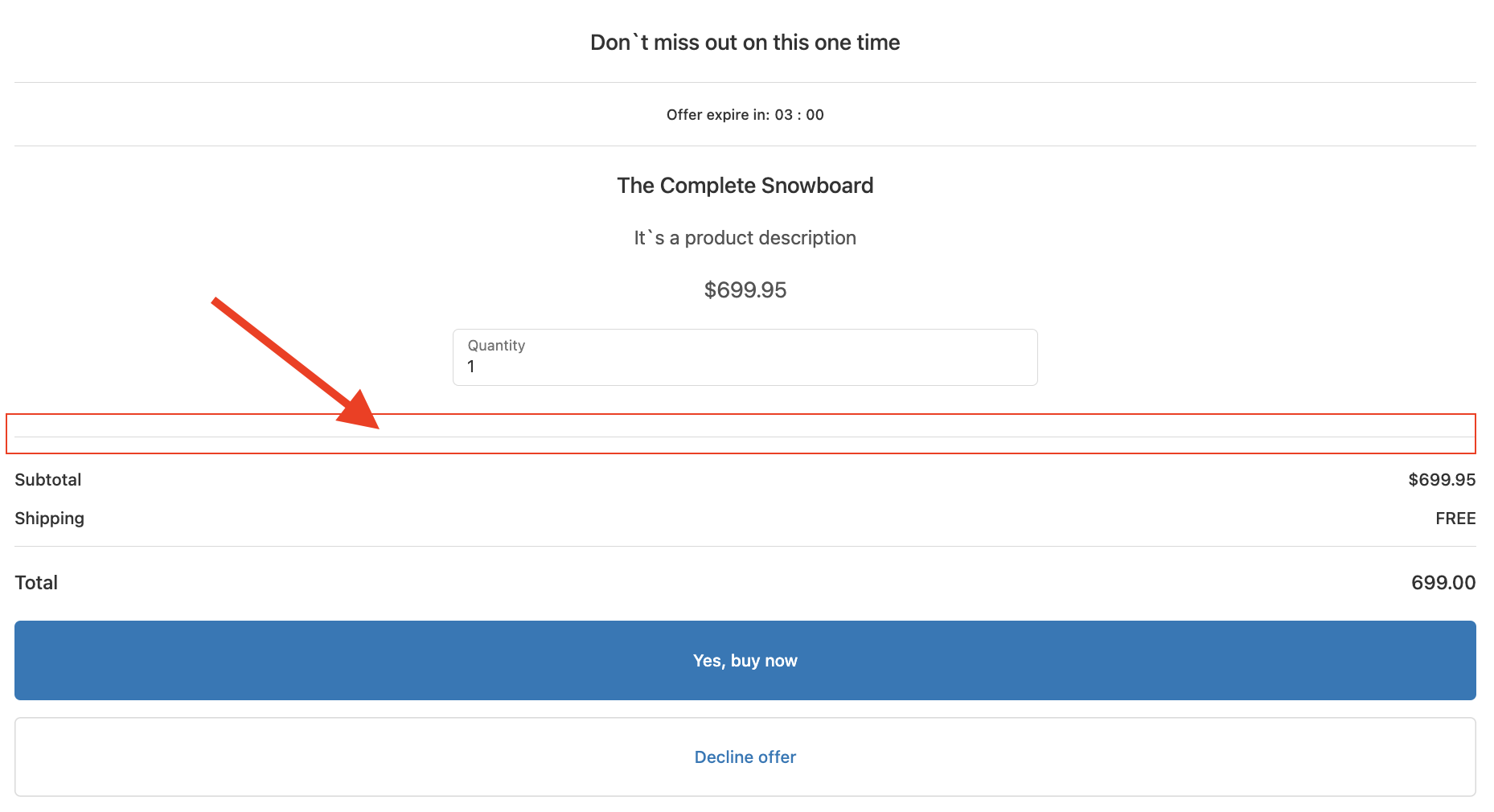
Both - places the divider at the center of the offer.
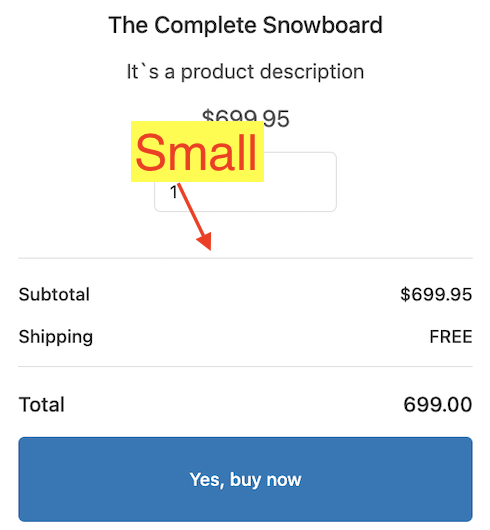
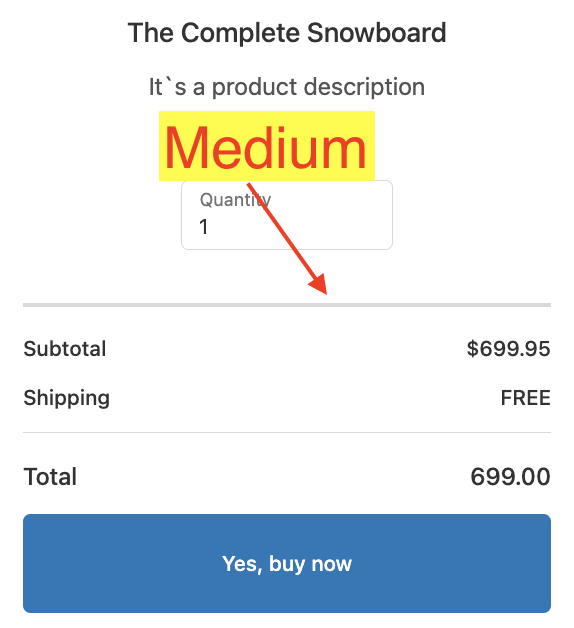
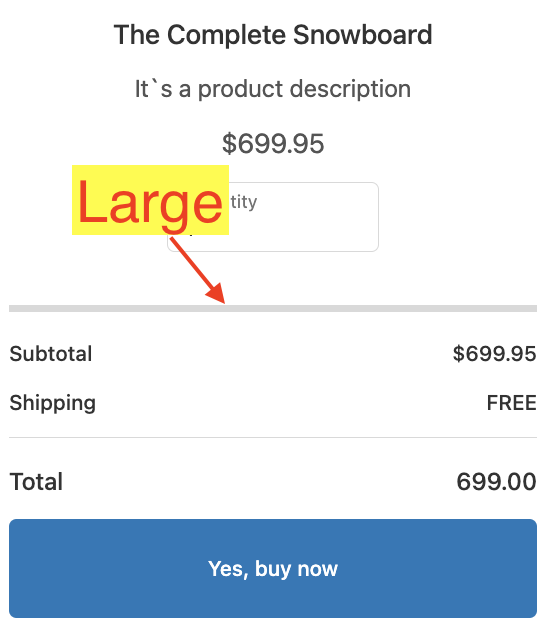
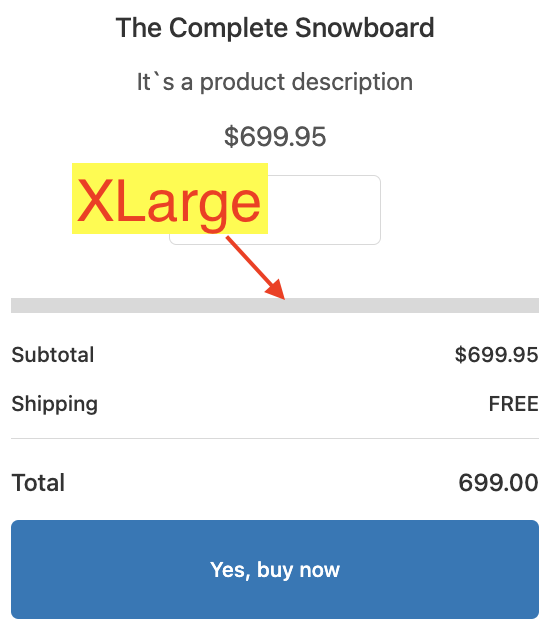
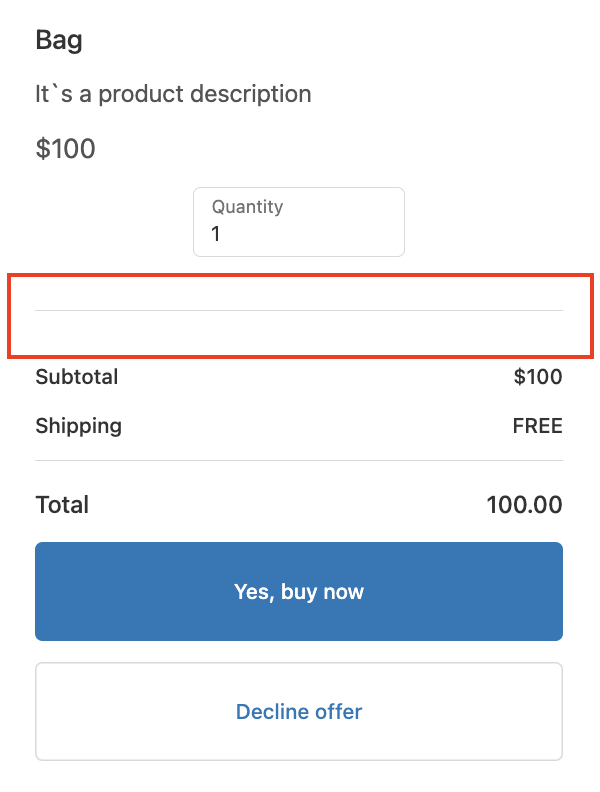
"Divider width" dropdown - allows you to adjusts the line's thickness.
Small
Medium
Large
XLarge
"Spacing under divider" slider - allows you to increase or decrease the space below the divider to create a buffer.
Keywords:
How can I adjust the spacing, width, and alignment of the divider in the Offer Editor?
What are the options for changing the divider width and spacing under the divider in SmartFlow's Offer Editor?
Is it possible to edit the divider in the offer settings?