
SmartFlow allows you to apply a custom discount to your product price. Here's how:
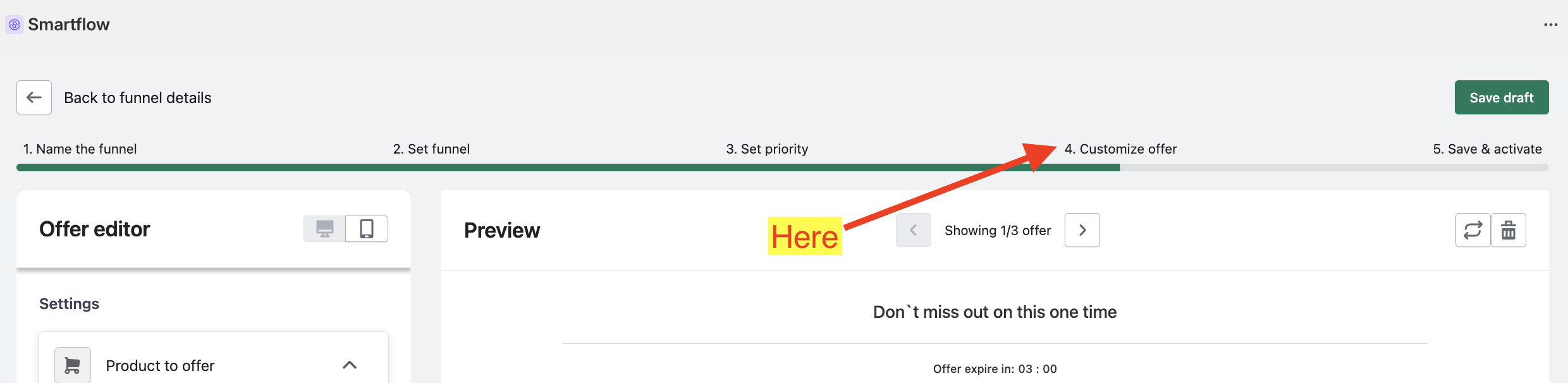
Create an Offer. Accomplish all step until you reach the Customize Offer step.
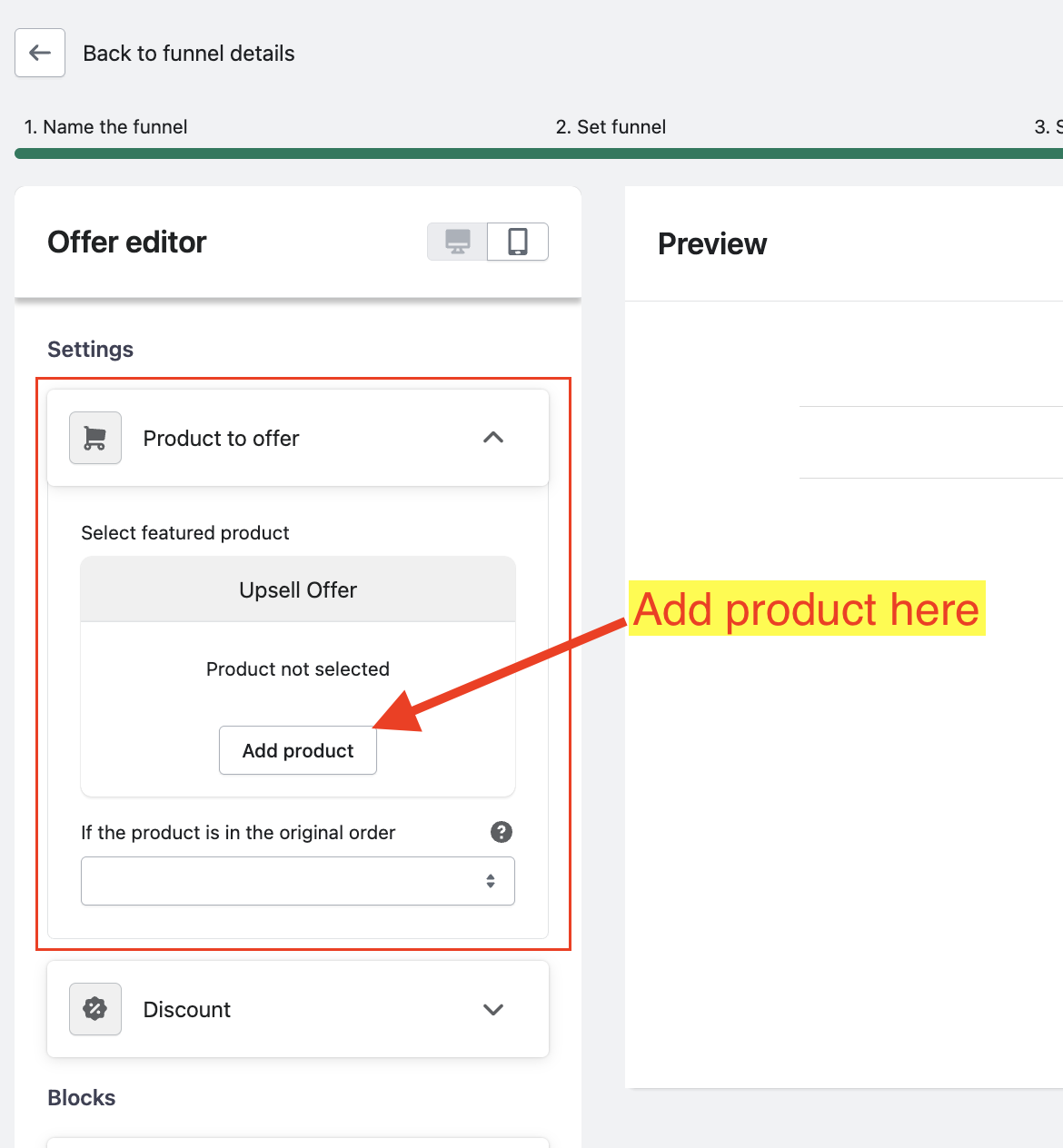
Add the product that you want to offer.
Expand the "Discount" settings.
By default, the discount is disabled, so you need to enable the checkbox.
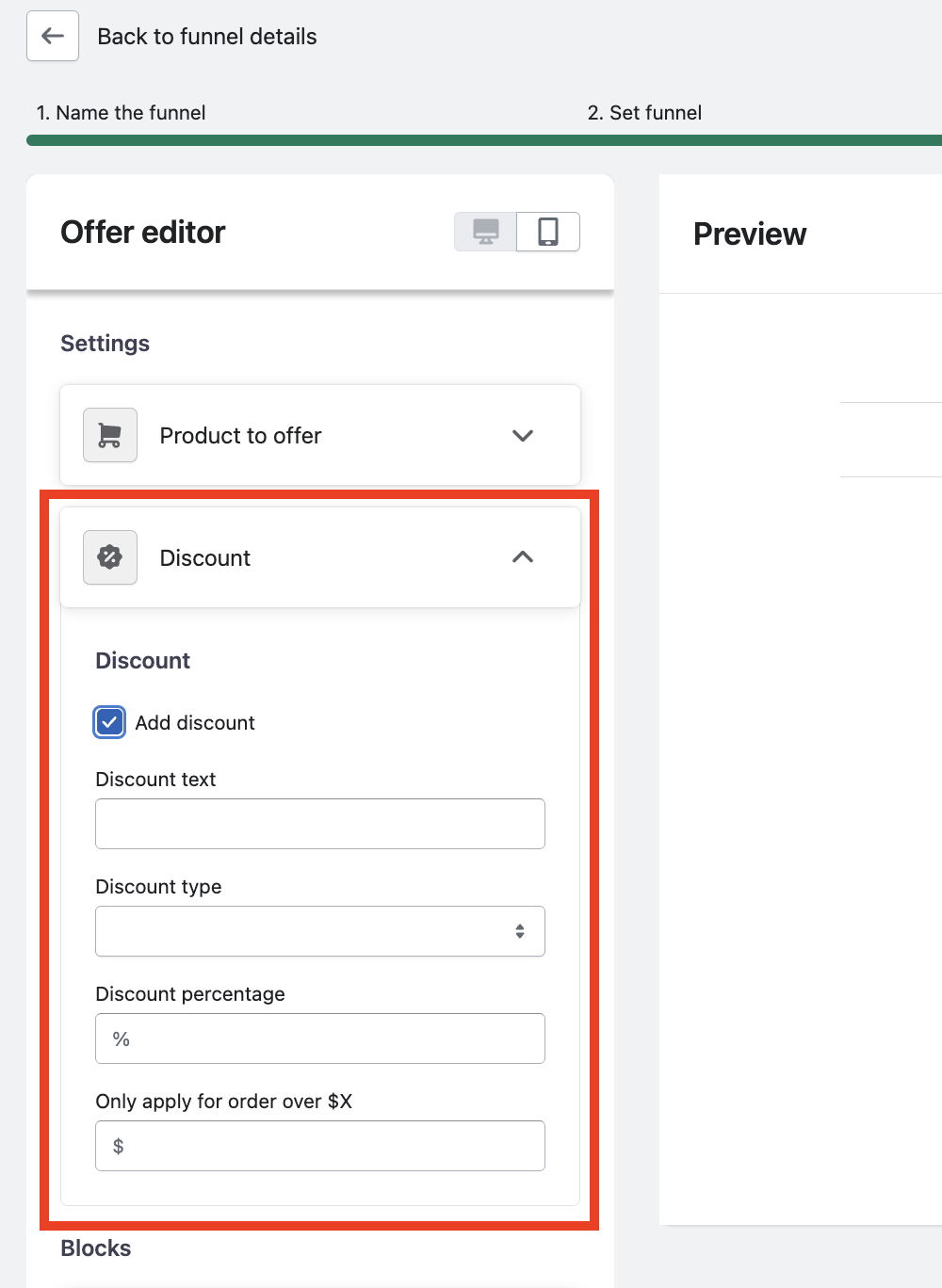

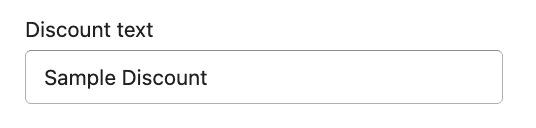
In the Discount Text field, input the text that you want to display in the offer.
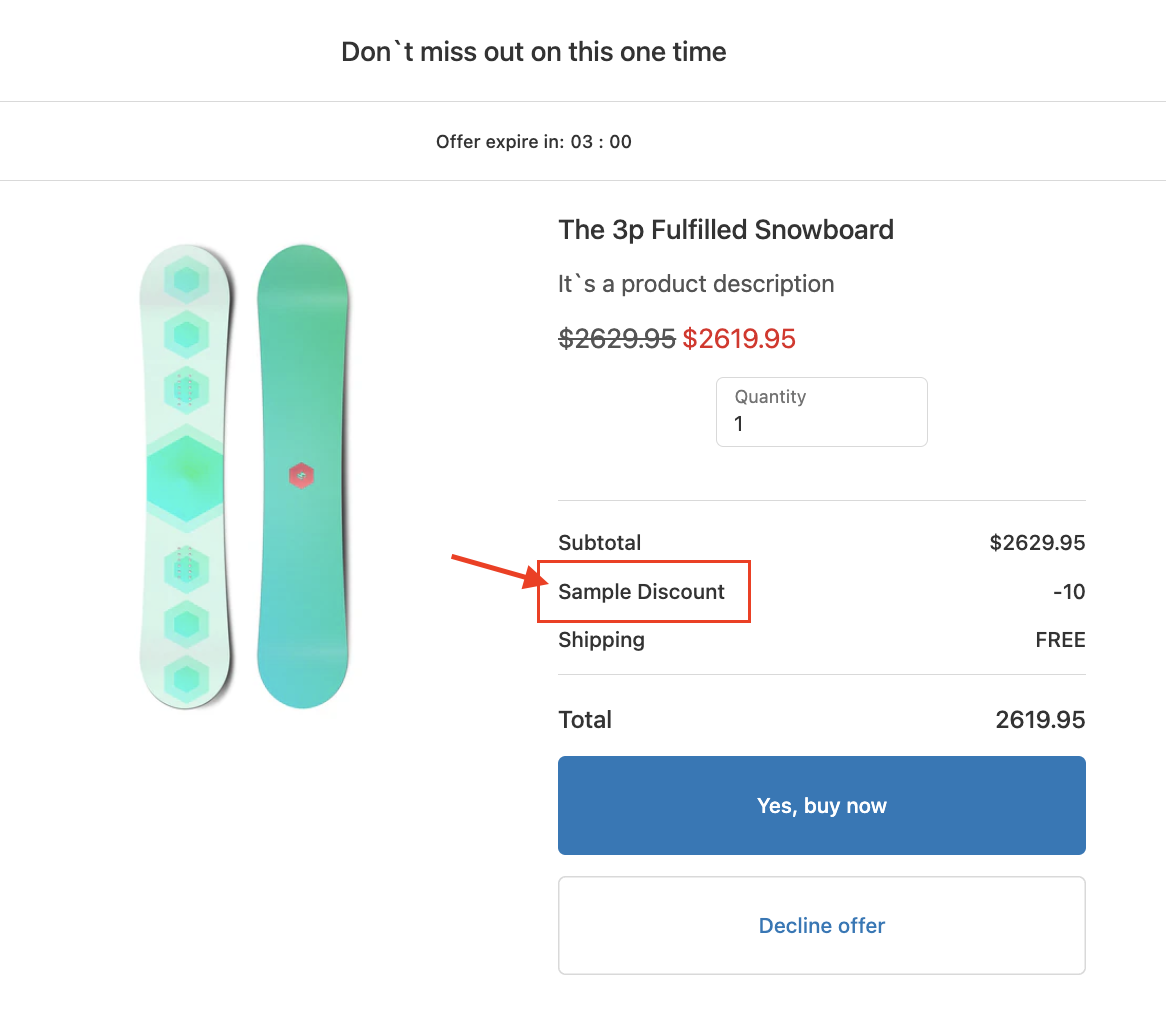
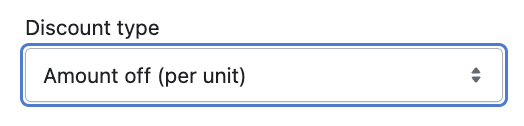
In the Discount Type dropdown, select from the following options:
Amount off (per unit) - deducts a specific discount amount from the Product Price.
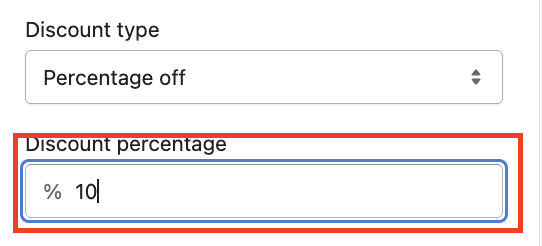
Percentage off - deducts a percentage amount from the Product Price.
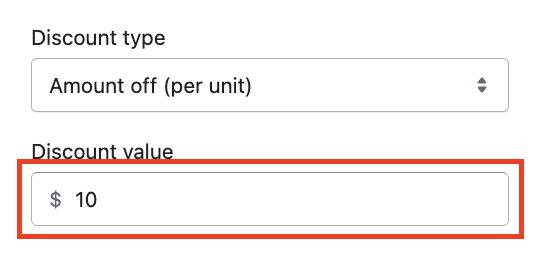
IF you choose Amount off (per unit), you'll have to provide the specific discount amount in the Discount Value field.
If you choose Percentage off, you'll have to provide the percentage in the Discount Percentage field.
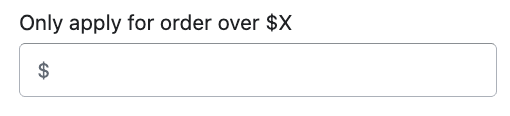
Finally, you can set a minimum purchase order as condition before the discount is applied.