

Adding a second offer increases your chances of upselling by providing another opportunity for customers to make an additional purchase. For example, if the first offer is declined, the second offer can serve as a fallback, featuring a different product or discount to capture their interest. SmartFlow allows you to create up to two offers.
Here's how:
Create a funnel and navigate to the Offer Editor.
Click the 'Add Second Offer' button.
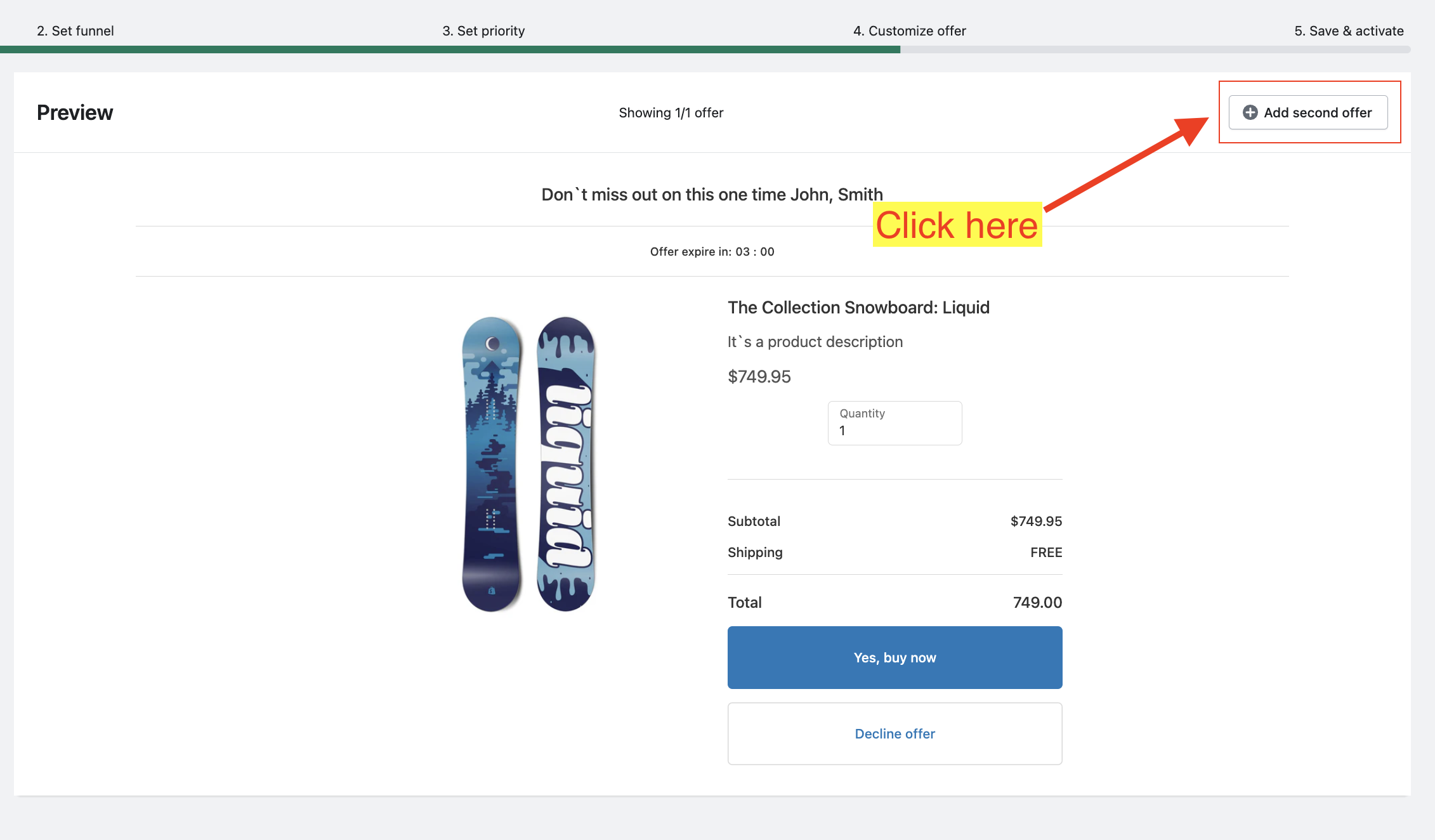
You can either duplicate the offer or start from scratch:
If you choose 'Duplicate Offer', it will copy your original offer.
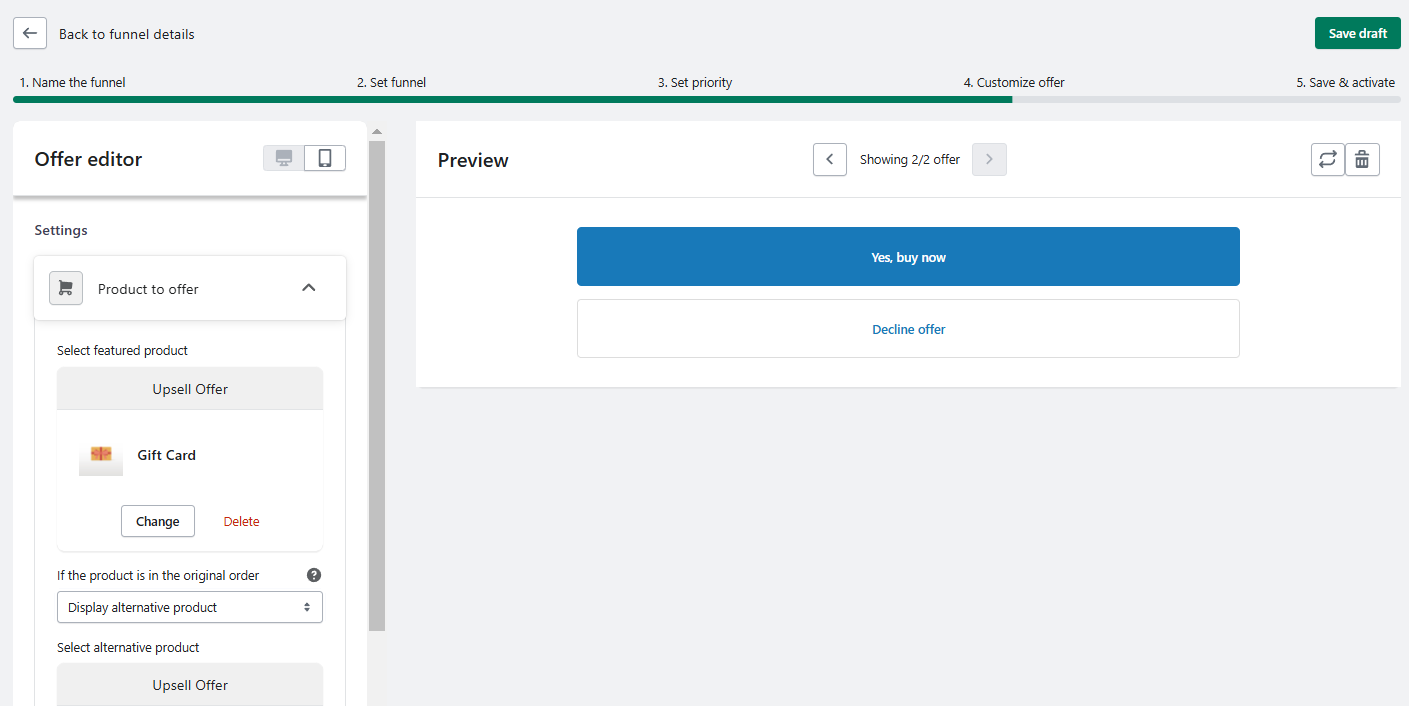
If you choose 'Start from Scratch', customize the new offer by adjusting the settings and adding the desired blocks in the Offer Editor. Please refer to this article for more in depth information on how you can customize your offer.
Keywords:
How can I add a second offer in SmartFlow to increase upselling opportunities?
What are the steps to customize a second offer in the Offer Editor?
How to create a second offer?